Template:ImageBook/doc
< Template:ImageBook
Jump to navigation
Jump to search
Revision as of 19:39, 20 October 2022 by Psojed (talk | contribs) (Psojed moved page Template:Doc/ImageBook to Template:ImageBook/Doc without leaving a redirect)
This template can be used to create interactive books from book images.
- All pages of the book should be saved as separate images.
- Images must have the same size, otherwise you may notice the book "move" when you flip a page.
- You need a minimum of 2 images.
- Currently supports up to 5 images.
Syntax:
{{ImageBook<!--
-->|filename1.png<!--
-->|filename2.png<!--
-->|filename3.png<!--
-->|filename4.png<!--
-->|filename5.png}}
Examples:
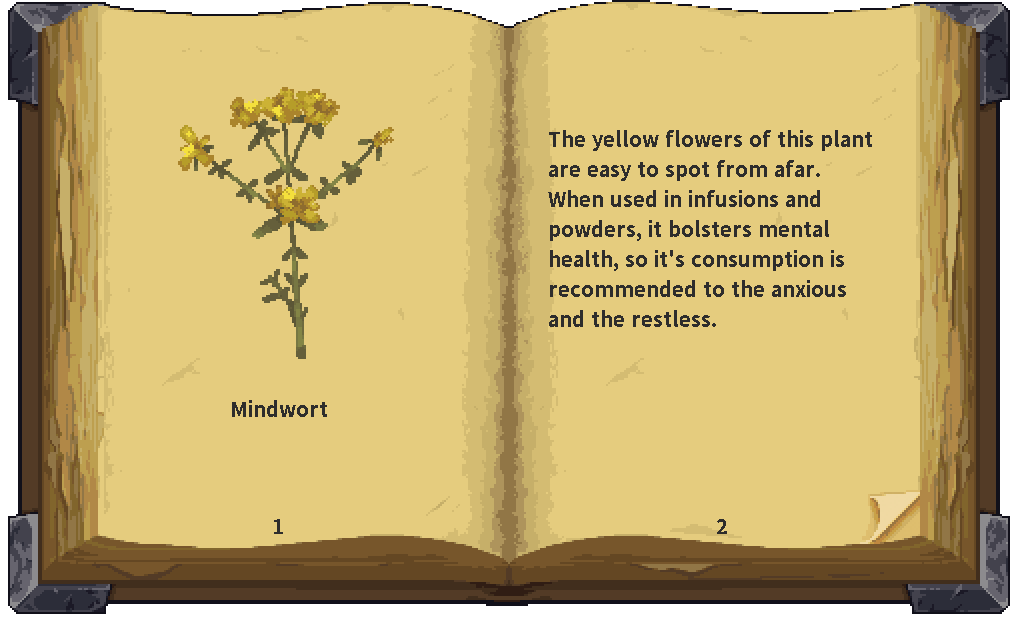
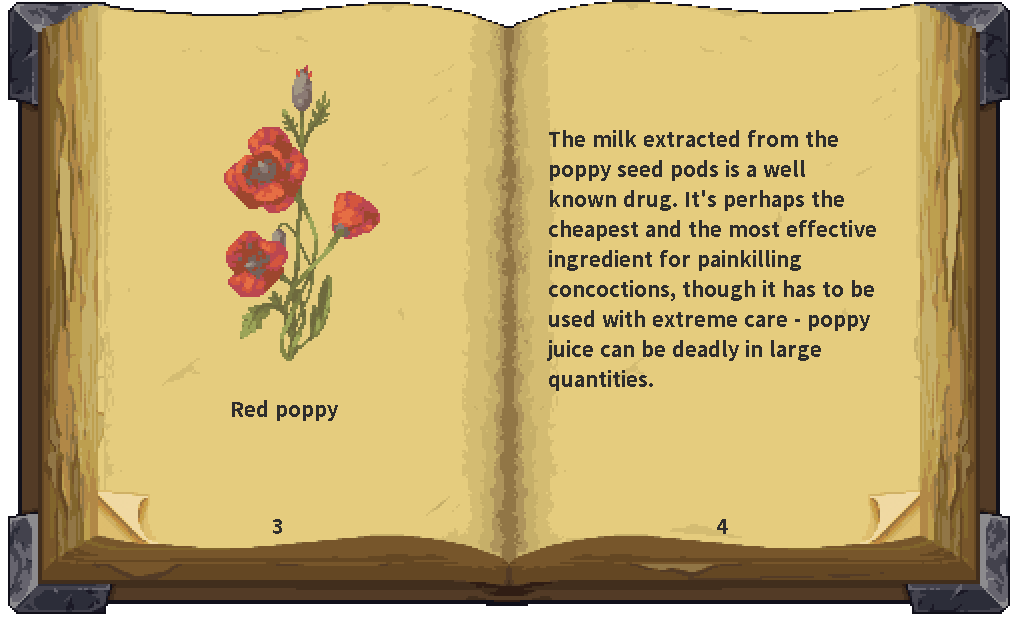
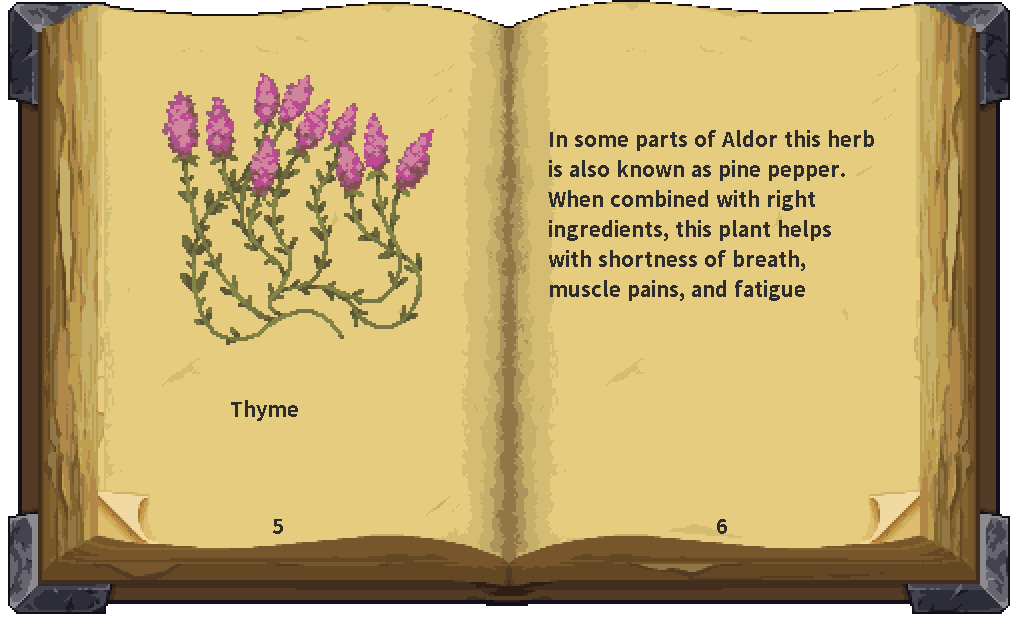
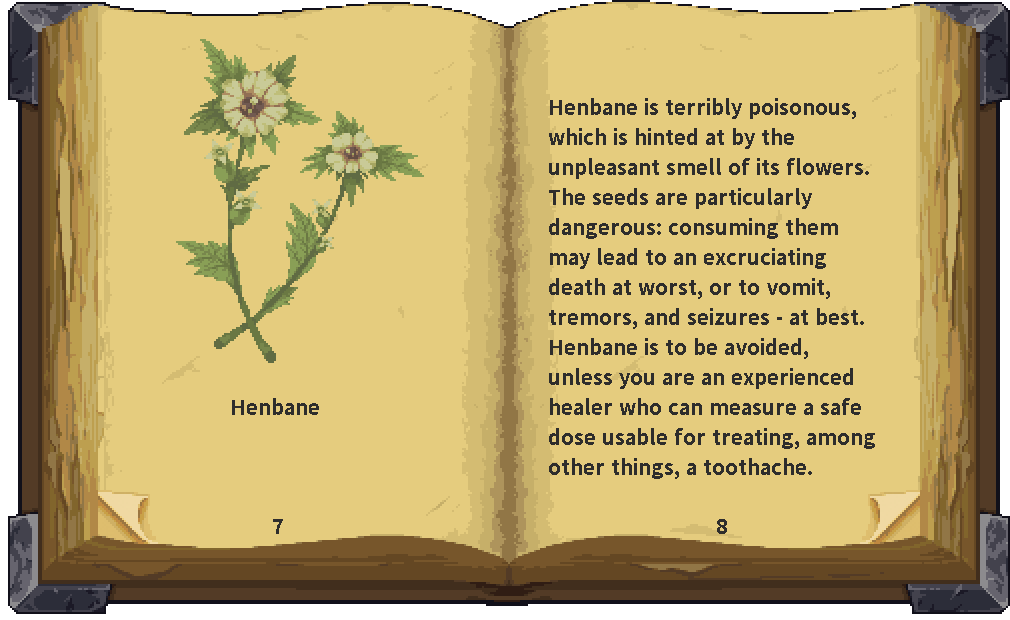
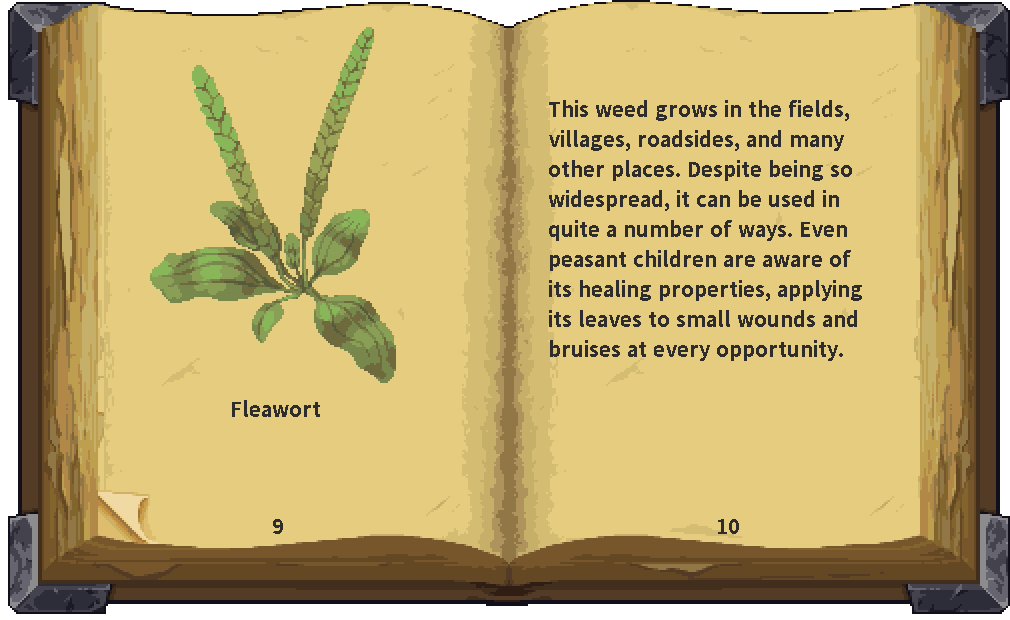
{{ImageBook<!--
-->|Old Remedy Book 1-2.png<!--
-->|Old Remedy Book 3-4.png<!--
-->|Old Remedy Book 5-6.png<!--
-->|Old Remedy Book 7-8.png<!--
-->|Old Remedy Book 9-10.png}}


Two images are minimum:
{{ImageBook<!--
-->|Old Remedy Book 1-2.png<!--
-->|Old Remedy Book 3-4.png}}
Not entering at least two images will produce error:
{{ImageBook<!--
-->|Old Remedy Book 1-2.png}}
{{ImageBook}} is missing Images.